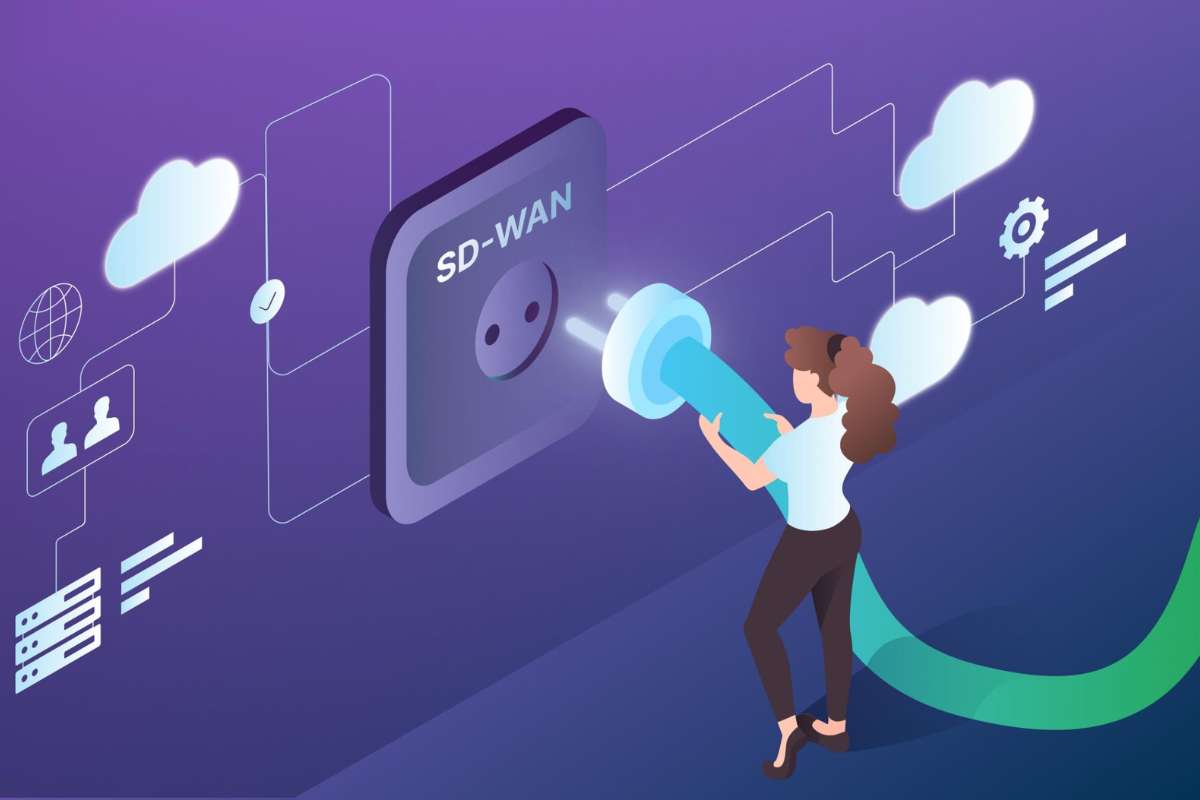
You know how your team struggles with Zoom lag or slow access to cloud files during peak hours? That sluggishness isn’t just an annoyance; it is a productivity killer. Traditional VPNs were built for a different era. They force all remote traffic through a central hub, creating a bottleneck that chokes your bandwidth.
Your business infrastructure needs to be as agile as your workforce. Adopting SD-WAN for remote workers changes the game. It moves intelligence from the hardware to the software layer, allowing traffic to route directly to the cloud. You get faster applications, better security, and a network that actually keeps up with your remote team.
Let’s look at how this technology bridges the gap between home offices and enterprise-grade performance.
SD-WAN vs. VPN: Is Your 2026 Remote Setup Truly Efficient?
Many businesses still rely on legacy VPNs for remote access. This strategy creates a hub-and-spoke model where every byte of data travels to the data center before heading to its destination. It adds latency and complicates your security posture. SD-WAN replaces this static approach with an intelligent overlay.
| Feature | Legacy VPN | SD-WAN |
| Traffic Path | Backhauls to the Data Center | Direct-to-Cloud / Dynamic |
| Performance | High Latency / Bottlenecks | Optimized Path Selection |
| Agility | Static Configuration | Automated / Cloud-Scale |
| Security | Perimeter-Based | Zero-Trust / SASE-Ready |
The data confirms the migration. While VPNs provided the ‘what’ for decades, SD-WAN provides the ‘how’ for modern enterprises. By 2026, organizations will ditch the tunnel-everything approach for software-defined agility.
Why Hybrid Teams Demand SD-WAN Performance?
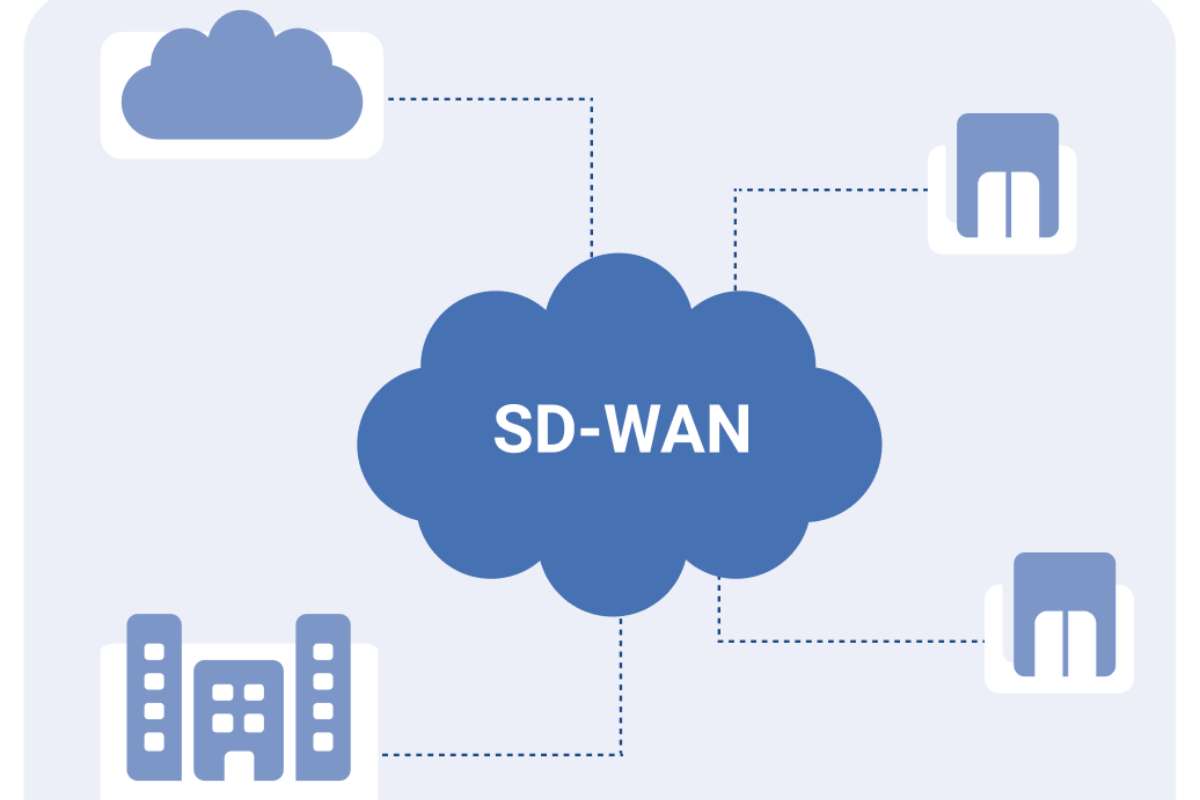
Remote workers don’t have an IT technician in their home office. If their connection fails, they are stuck. SD-WAN solves this through intelligent traffic steering. It monitors your connection quality in real-time. If your primary broadband connection flickers, the network fails over to a secondary connection like 5G or satellite in milliseconds.
Your employees won’t even notice the switch. They stay connected to their VoIP calls, video meetings, and VDI sessions without interruption. This reliability isn’t just a technical win; it is a morale booster for distributed teams.
How Does SD-WAN for Remote Workers Improve Security with SASE?
You can’t talk about remote work without addressing the ‘shadow access’ problem. Traditional perimeter security leaves remote endpoints vulnerable. The best SD-WAN solutions now integrate Secure Access Service Edge (SASE) capabilities. This means security is baked into the network fabric.
- Granular Visibility: You see exactly who accesses what, even if they aren’t on the corporate campus.
- Encrypted Inspection: Traffic is inspected for threats before it hits your internal resources.
- Compliance: Systems like HIPAA or FedRAMP require strict audit trails that modern SD-WAN provides.
READ MORE:
- Why Your Business Needs Document Workflow Automation in 2026
- AI Agents in Project Management: Top 2026 Secrets
How to Select the Right SD-WAN Vendor for Your Remote Workforce?

Choosing the right partner is just as important as the technology itself. With so many options in 2026, you need to filter vendors based on your specific needs. Do not just look at the price tag; look at how they handle cloud traffic and security.
First, look for cloud-native SASE integration. If the vendor treats security as a bolt-on rather than a core feature, your remote users will face bottlenecks. Second, prioritize deployment velocity. Can they ship a device that works instantly, or do you need a team of engineers to set it up?
Finally, consider the management dashboard. You want a single pane of glass where your IT team can see every remote user’s status. If a vendor requires you to jump between three different tools to troubleshoot one remote connection, keep looking.
Does SD-WAN for Remote Workers Lower Costs and Boost ROI?
Capital expenditure (CapEx) often stops innovation in its tracks. Traditional MPLS circuits cost between $300 to $600 per Mbps monthly. SD-WAN allows you to swap those expensive private lines for reliable, high-speed broadband.
You reduce your telecom spend while actually increasing bandwidth. For growing companies, this shift creates a consumption-based economic model. You pay for the performance you need, not for the legacy hardware sitting idle in a data center.
How to Implement SD-WAN for Your Remote Workforce?

Don’t rip out your entire network on Monday morning. Strategy comes first. Follow this three-phase blueprint for a smooth transition.
- Audit Existing Traffic: Identify which applications drive your remote productivity. Are they SaaS-based? Do they require internal data center access?
- Pilot the Edge: Deploy SD-WAN devices at your most critical branch offices or remote hubs first. Validate the performance against your existing VPN throughput.
- Scale to Remote Endpoints: Roll out software-defined agents to remote laptops. This ensures your mobile workforce enjoys the same security posture as your in-office employees
The Future of Remote Networking: AI and Beyond
The next wave of SD-WAN is autonomous. AI-driven self-healing routing is already entering the market. These systems predict brownouts before they happen and reroute traffic proactively. We are moving toward a ‘network-as-a-service’ (NaaS) model where complexity is fully abstracted.
If you aren’t planning for this shift, you are falling behind. High-growth firms now view connectivity as a strategic asset rather than a utility bill.
Conclusion:
The shift toward distributed teams requires a network that adapts in real-time. By moving away from rigid VPNs and embracing software-defined agility, you gain the performance and security needed for a modern, global workforce. Deploying a robust SD-WAN for remote workers allows you to stop managing outdated hardware and start enabling your team’s peak productivity.
FAQs
1. Is SD-WAN just a replacement for MPLS?
It is more than a replacement. While it replaces MPLS circuits to save costs, it also adds application-aware routing, centralized management, and security integration that legacy MPLS cannot offer.
2. Does implementing SD-WAN for remote workers require new hardware?
Not always. Many modern solutions offer software agents or thin edge devices that work on existing hardware, allowing you to scale without massive upfront equipment costs.
3. Is SD-WAN secure enough for banking and healthcare?
Yes. With the integration of SASE and zero-trust security frameworks, SD-WAN platforms provide the encryption, micro-segmentation, and audit logging required for highly regulated industries like BFSI and healthcare.
4. How long does a typical migration take?
For an organization with 100+ branches, the transition typically spans 18–36 months due to application dependencies. However, pilot programs for remote-heavy workforces can often show ROI in just a few months.