Ever feel like your team drowns in busywork while AI hype swirls around you? Most companies know they need enterprise AI tools, but they struggle to pick the right ones.
Here’s the thing. The market shifted hard this year. It’s no longer about picking one chatbot and calling it done. Companies now stack assistants, agents, and platforms together, and the winners are the ones who match each tool to a specific job.
This guide breaks down what’s actually working right now. We’ll cover the top picks, how they compare on price and function, and how to avoid the traps that stall most AI rollouts. Grab your coffee, because we’re getting practical here.
What makes enterprise AI tools different from consumer apps?
Consumer AI apps chase ease of use. You open ChatGPT, type a question, and get an answer. AI tools for enterprise have to do that plus a dozen other things nobody sees on the surface.
They need permissions baked in, so finance data doesn’t leak to marketing interns. They need compliance certifications like SOC 2 and GDPR support. And they need to plug into the fifty other systems your company already runs on, from Salesforce to SharePoint.
Enterprise AI operates at scale while maintaining compliance, security, and contextual awareness, and that single distinction shapes every buying decision below. Miss that piece and even the smartest model becomes a liability instead of an asset.
Which enterprise AI tools are worth your budget in 2026?

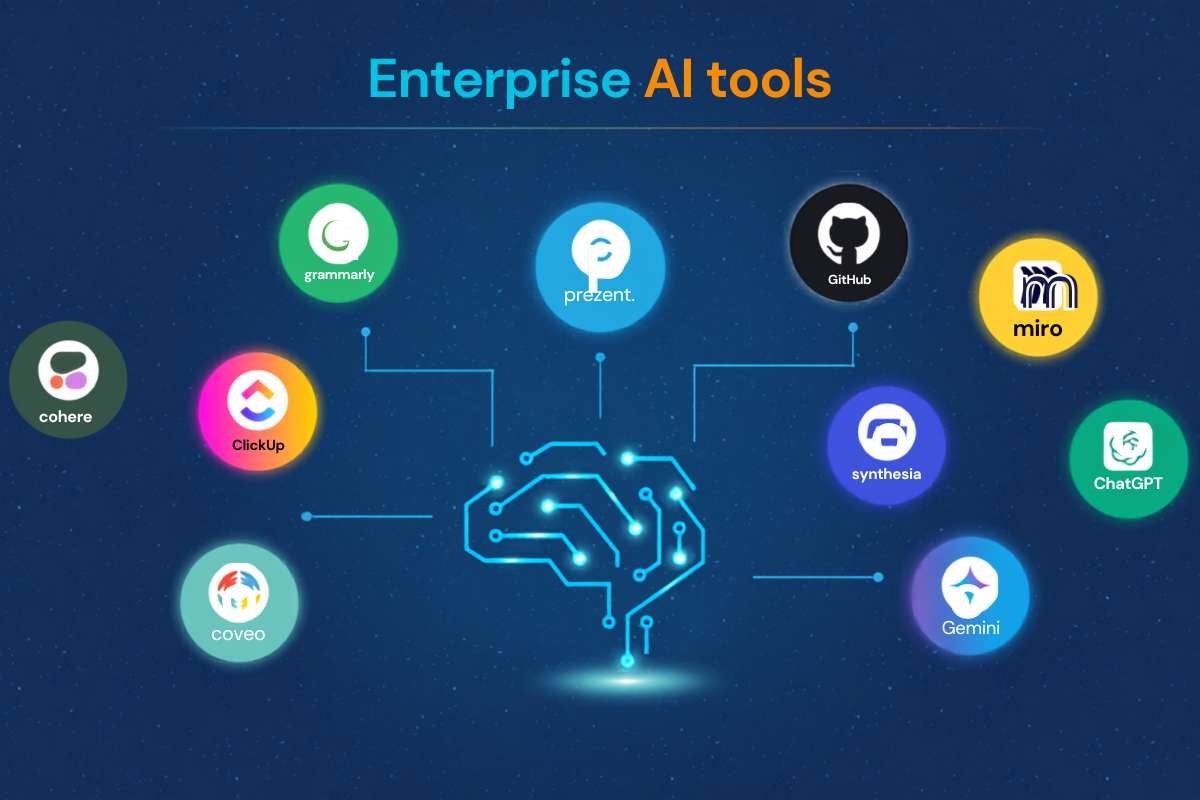
Not every tool deserves a line in your budget. Based on current market coverage, three categories dominate the conversation this year: workplace copilots, autonomous agents, and full-stack platforms.
Here’s a quick snapshot of where the major players land:
| Tool | Category | Best For | Starting Price |
| Microsoft 365 Copilot | Suite copilot | Teams already on Office/Teams | $21/user/mo (SMB tier) to $30/user/mo (enterprise), plus required base license |
| Google Gemini Enterprise | Platform + agents | Google Workspace orgs building agent fleets | $21/user/mo (Business), $30/user/mo (Standard) |
| Glean | Context layer | Cross-tool search and permissioned retrieval | Custom enterprise pricing |
| Zapier Central | Automation agents | Ops teams automating SaaS workflows | Free tier, $29.99/mo Pro |
| Make | Workflow automation | Developer-heavy automation builds | Free tier, $9/mo entry |
Microsoft 365 Copilot works best when Outlook, Teams, SharePoint, and Office already sit at the center of daily work. If your company lives inside Microsoft’s ecosystem, this pick nearly makes itself.
How do enterprise AI platforms compare to point solutions?
This is where a lot of buyers get stuck. Do you buy one giant platform or stitch together several specialized enterprise AI tools?
Platforms promise everything under one roof. A real enterprise AI platform covers data access, deployment, governance, monitoring, and agentic actions across enterprise tools, not just an API wrapped around a model. That sounds appealing until you realize platforms move slower and cost more to customize.
Point solutions flip that trade. You get a sharper tool for one job, like coding or customer support automation, but now you own the integration work yourself. More than 4 in 10 enterprises already run multiple AI vendors at once to spread risk, which tells you plenty of smart teams choose the mixed approach on purpose.
The honest answer depends on your team size. Smaller companies often do better with one flexible platform. Larger orgs with dedicated IT staff can handle a best-of-breed stack without it falling apart.
What should you look for before buying enterprise AI tools?
Skip the flashy demo and ask harder questions. Vendors love showing off chat interfaces, but chat is the easy part. The hard part is what happens behind the scenes.
Ask about these five things before you sign anything:
- Where does company data actually live once it enters the tool?
- How are permissions inherited from your existing systems?
- What models power the tool, and can you swap providers later?
- How does pricing scale as usage grows across departments?
- What does onboarding and training actually require from your team?
Model flexibility deserves extra attention this year. Glean’s Model Hub gives enterprises access to more than 35 AI models instead of locking them into a single provider, and that kind of optionality is becoming a baseline expectation.
Are AI agents actually ready for enterprise work?

Agents get a lot of buzz, and some of it is earned. Enterprises are shifting from simple chat experiences toward multi-step workflows where agents read documents, call systems, apply business rules, and trigger real operational actions.
That said, agents still need guardrails. Letting software make decisions and take actions without oversight is risky if permissions aren’t locked down tight. The smartest rollouts start agents on low-stakes tasks, like drafting reports, before letting them touch customer data or financial systems.
Zapier Central and Make both lean into this space with different strengths. Zapier Central focuses on connecting your existing apps into automated flows. Make leans more technical, offering developer-friendly tools like JSON parsing, built-in API modules, custom functions, and webhook handling.
Why does integration trip up so many AI rollouts?
Here’s an uncomfortable truth. Buying great enterprise AI tools doesn’t guarantee they’ll actually work together. 95% of IT leaders report integration hurdles impeding AI development and implementation.
The fix isn’t buying more tools. It’s choosing an orchestration layer early, before your stack grows messy. Map out how data flows between systems first, then pick tools that respect that map instead of forcing you to rebuild around them.
Teams that skip this step end up with a pile of disconnected subscriptions nobody fully uses. Teams that plan integration upfront get compounding value as each new tool plugs into what’s already working.
How should you structure your AI stack going forward?

Think in layers instead of single products. Start with a context layer that indexes and permissions your company knowledge properly. Add one or two strong reasoning tools on top for general work. Then layer in suite-native copilots where your team already spends time, plus specialized agents for high-value repetitive tasks.
This layered approach beats the old strategy of picking one chatbot and hoping it solves everything. The enterprise AI tools that stick around in 2026 are the ones with honest answers about data access and measurable outcomes, not the ones with the best sales pitch.
Your stack should evolve too. Revisit it every two quarters, drop what’s underused, and stay open to swapping models as better options arrive.
Wrapping it up
Picking the right enterprise AI tools is about matching each product to a real gap in your workflow, then checking whether it actually respects your data permissions before you sign anything.
It helps to start with the context layer, since a copilot or agent is only as sharp as what it can see and reach inside your systems. Add reasoning tools and suite copilots next, then bring in agents once your governance can handle autonomous actions. Revisit the stack every two quarters and drop anything nobody opens. This month, map your current tools, flag one integration gap, and test a single new addition against it before expanding further.
FAQs
1. Do AI tools for enterprise require a minimum team size to be worth it?
No, even small teams under 20 people see real ROI from AI copilots handling repetitive writing and research tasks.
2. Can AI tools for enterprise work without cloud storage?
Most require cloud connectivity for data processing, though some offer hybrid or on-premise deployment options for regulated industries.
3. How long does a typical enterprise AI tool rollout take?
Simple copilot deployments often take 2-4 weeks, while full agent platforms can take two to three months with proper governance setup.
4. What happens if an enterprise AI vendor changes its pricing model?
Review your contract terms closely; most enterprise agreements lock pricing for 12 months but allow renegotiation at renewal.
5. Should smaller companies wait before adopting enterprise AI tools?
Waiting rarely pays off, since early adopters build institutional knowledge that’s hard for competitors to catch up on later.